Build an MCP Server in Node.js with Express
Step-by-step guide to a production-ready MCP server in plain Node.js and Express: Streamable HTTP, Zod schemas, pagination, error handling, and testing.

Mustafa Tawab
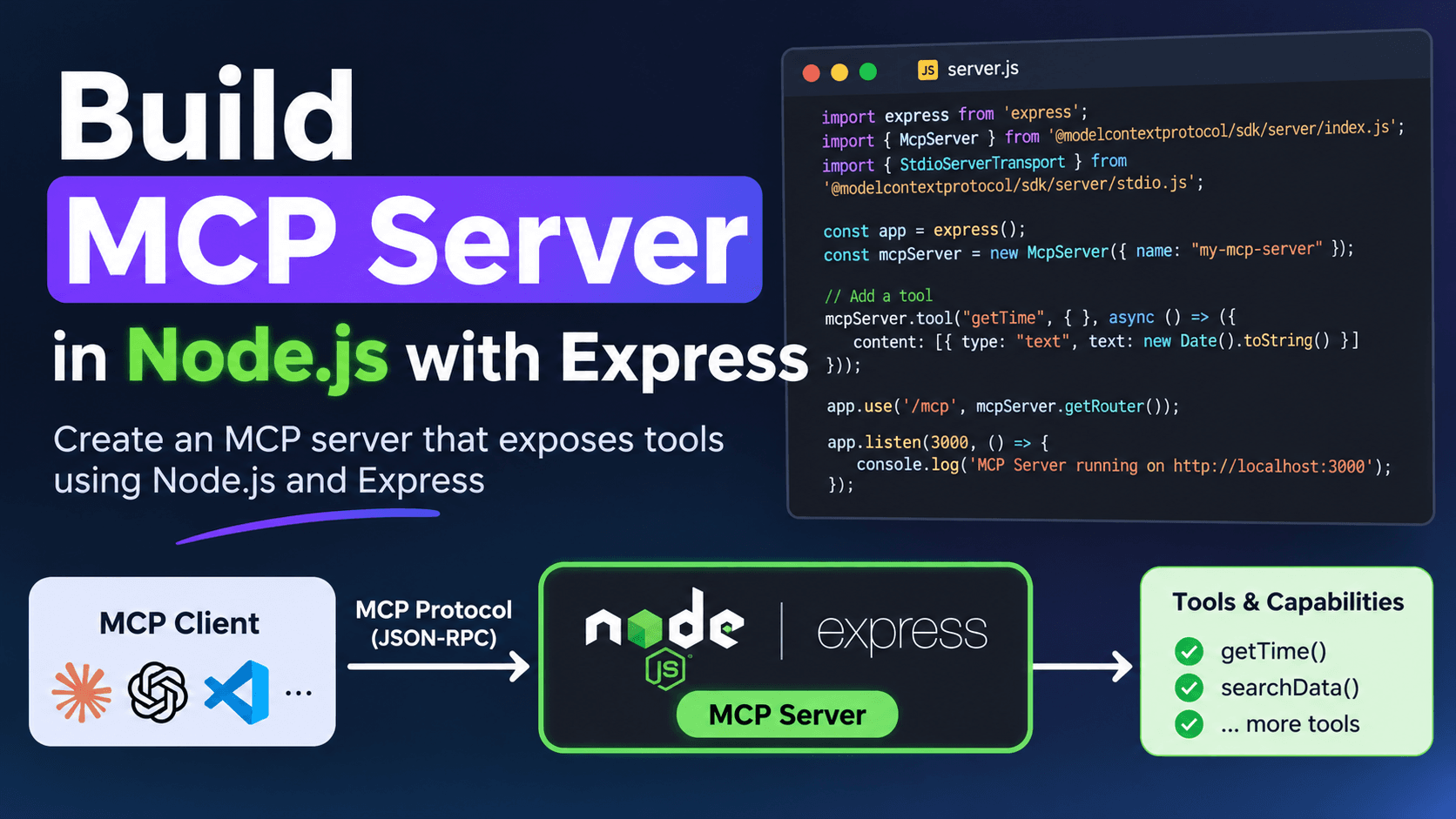
Next.js is convenient, but MCP is not a Next.js feature. It is a protocol, and you can serve it from any Node.js process.
In this article we build the same kind of server from scratch with Express: no framework magic, no file-based routing, just an HTTP endpoint and a few functions.
What We're Building#
A read-only notes MCP server with:
| Type | Name | What it does |
|---|---|---|
| Tool | notes_list |
List notes with pagination |
| Tool | notes_search |
Search notes by keyword |
| Tool | notes_get |
Read one note by id |
| Prompt | weekly_digest |
Summarize the notes into a digest |
It will speak Streamable HTTP at POST /mcp, and we will also show how to run the same server over stdio for desktop clients.
Express app
  └── POST /mcp
        └── MCP handler
              └── createServer()   ← fresh per request
                    ├── notes_list
                    ├── notes_search
                    ├── notes_get
└── weekly_digestPrerequisites#
- Node.js 20 or newer
- npm
- Basic TypeScript
Check your version:
node --versionIf it prints v20 or higher, you are ready.
Step 1 — Create the Project#
mkdir notes-mcp
cd notes-mcp
npm init -y
npm pkg set type=module
The type=module line lets us use import syntax without extra flags.
Install the runtime dependencies:
npm install @modelcontextprotocol/server @modelcontextprotocol/express @modelcontextprotocol/node express zodInstall the development tools:
npm install -D typescript tsx @types/node @types/expressWhat each package does:
| Package | Job |
|---|---|
@modelcontextprotocol/server |
Builds the server and registers tools |
@modelcontextprotocol/express |
Creates an Express app with the right middleware |
@modelcontextprotocol/node |
Adapts the MCP handler to Node's request/response |
express |
The HTTP server |
zod |
Validates tool arguments |
tsx |
Runs TypeScript directly in development |
Step 2 — Configure TypeScript#
Create tsconfig.json:
{
    "compilerOptions": {
        "target": "ES2022",
        "module": "NodeNext",
        "moduleResolution": "NodeNext",
        "outDir": "dist",
        "rootDir": "src",
        "strict": true,
        "esModuleInterop": true,
        "skipLibCheck": true
    },
    "include": ["src"]
}
Add the scripts to package.json:
{
    "scripts": {
        "dev": "tsx watch src/index.ts",
        "build": "tsc",
        "start": "node dist/index.js"
    }
}
Because we use "module": "NodeNext", relative imports need a .js extension even though the source files are .ts:
import { createServer } from "./server.js"That looks odd at first. It is correct: TypeScript keeps the import path as written, and the compiled file really is server.js.
Step 3 — Add Some Data#
Create src/data.ts:
export interface Note {
    id: string
    title: string
    body: string
    tags: string[]
    updated: string
}

export const notes: Note[] = [
    {
        id: "docker-compose",
        title: "Docker Compose basics",
        body: "Compose defines services, networks, and volumes in one YAML file. Use it when you have more than one container.",
        tags: ["docker", "devops"],
        updated: "2026-11-02",
    },
    {
        id: "linux-permissions",
        title: "Linux file permissions",
        body: "chmod changes permissions, chown changes ownership. 755 means the owner can write, everyone else can read and execute.",
        tags: ["linux", "devops"],
        updated: "2026-10-18",
    },
    {
        id: "mcp-intro",
        title: "MCP in one sentence",
        body: "MCP is a standard menu that lets an AI order from your software without entering the kitchen.",
        tags: ["mcp", "ai"],
        updated: "2026-11-20",
    },
]
In a real server this would be a database call. The MCP layer only cares about the final shape.
Step 4 — Build the Server Factory#
Create src/server.ts:
import { McpServer } from "@modelcontextprotocol/server"
import { z } from "zod"
import { notes } from "./data.js"

const READ_ONLY = {
    readOnlyHint: true,
    destructiveHint: false,
    idempotentHint: true,
    openWorldHint: false,
} as const

const NoteSchema = z.object({
    id: z.string(),
    title: z.string(),
    body: z.string(),
    tags: z.array(z.string()),
    updated: z.string(),
})

const NoteListOutput = z.object({
    total: z.number(),
    count: z.number(),
    offset: z.number(),
    has_more: z.boolean(),
    next_offset: z.number().optional(),
    notes: z.array(NoteSchema),
})

function toolError(message: string) {
    return {
        isError: true as const,
        content: [{ type: "text" as const, text: message }],
    }
}

export function createServer(): McpServer {
    const server = new McpServer({
        name: "notes-mcp-server",
        version: "1.0.0",
    })

    server.registerTool(
        "notes_list",
        {
            title: "List notes",
            description: `Use this when the user wants to browse all notes, or asks what they have written recently.
Returns one page of notes, newest first. Call notes_get with an id for the full note.`,
            inputSchema: z.object({
                limit: z
                    .number()
                    .int()
                    .min(1)
                    .max(50)
                    .default(10)
                    .describe("Maximum number of notes to return."),
                offset: z
                    .number()
                    .int()
                    .min(0)
                    .default(0)
                    .describe("Number of notes to skip, for pagination."),
            }),
            outputSchema: NoteListOutput,
            annotations: READ_ONLY,
        },
        async ({ limit, offset }) => {
            const sorted = [...notes].sort((a, b) =>
                a.updated < b.updated ? 1 : -1
            )
            const page = sorted.slice(offset, offset + limit)
            const nextOffset = offset + page.length
            const hasMore = nextOffset < sorted.length

            const payload = NoteListOutput.parse({
                total: sorted.length,
                count: page.length,
                offset,
                has_more: hasMore,
                ...(hasMore ? { next_offset: nextOffset } : {}),
                notes: page,
            })

            const text = [
                `# Notes`,
                `Showing ${payload.count} of ${payload.total}.`,
                ...payload.notes.map(
                    (note) =>
                        `## ${note.title}\n${note.body}\n\nID: \`${note.id}\` · Updated: ${note.updated}`
                ),
            ].join("\n\n")

            return {
                structuredContent: payload,
                content: [{ type: "text", text }],
            }
        }
    )

    server.registerTool(
        "notes_search",
        {
            title: "Search notes",
            description: `Use this when the user asks what they wrote about a topic.
Searches titles, bodies, and tags. Returns matching notes with ids.
Call notes_get with an id to read the full note.`,
            inputSchema: z.object({
                query: z
                    .string()
                    .min(1)
                    .max(200)
                    .describe("Keywords to match, e.g. 'docker compose'."),
            }),
            outputSchema: NoteListOutput,
            annotations: READ_ONLY,
        },
        async ({ query }) => {
            const tokens = query
                .toLowerCase()
                .split(/\s+/)
                .filter((token) => token.length > 1)

            const matches = notes.filter((note) => {
                const haystack =
                    `${note.title} ${note.body} ${note.tags.join(" ")}`.toLowerCase()
                return tokens.some((token) => haystack.includes(token))
            })

            const payload = NoteListOutput.parse({
                total: matches.length,
                count: matches.length,
                offset: 0,
                has_more: false,
                notes: matches,
            })

            if (matches.length === 0) {
                return {
                    structuredContent: payload,
                    content: [
                        {
                            type: "text",
                            text: "No notes matched that query. Try fewer or different keywords.",
                        },
                    ],
                }
            }

            return {
                structuredContent: payload,
                content: [
                    {
                        type: "text",
                        text: matches
                            .map(
                                (note) =>
                                    `## ${note.title}\n${note.body}\n\nID: \`${note.id}\``
                            )
                            .join("\n\n"),
                    },
                ],
            }
        }
    )

    server.registerTool(
        "notes_get",
        {
            title: "Get note",
            description: `Use this when you have a note id and need the full text.
Call notes_search or notes_list first if you do not know the id.`,
            inputSchema: z.object({
                id: z
                    .string()
                    .min(1)
                    .max(40)
                    .describe("Note id, e.g. 'docker-compose'."),
            }),
            outputSchema: NoteSchema,
            annotations: READ_ONLY,
        },
        async ({ id }) => {
            const note = notes.find((entry) => entry.id === id)

            if (!note) {
                return toolError(
                    `No note found for "${id}". Call notes_list to see valid ids.`
                )
            }

            const payload = NoteSchema.parse(note)

            return {
                structuredContent: payload,
                content: [
                    {
                        type: "text",
                        text: `# ${payload.title}\n\n${payload.body}\n\nTags: ${payload.tags.join(", ")}\nUpdated: ${payload.updated}`,
                    },
                ],
            }
        }
    )

    server.registerPrompt(
        "weekly_digest",
        {
            title: "Weekly digest",
            description:
                "Summarize recent notes into a short digest with next actions.",
            argsSchema: z.object({
                focus: z
                    .string()
                    .max(80)
                    .optional()
                    .describe("Optional focus, e.g. 'devops'."),
            }),
        },
        async ({ focus }) => ({
            messages: [
                {
                    role: "user",
                    content: {
                        type: "text",
                        text: [
                            `Write a short weekly digest of my notes${focus ? ` with a focus on ${focus}` : ""}.`,
                            "Call notes_list first.",
                            "Then call notes_get for the three most relevant notes.",
                            "Use only facts from the notes. Do not invent anything.",
                            "Return five bullet points and one suggested next action.",
                        ].join(" "),
                    },
                },
            ],
        })
    )

    return server
}
Why a factory instead of a single server?#
createServer() returns a new McpServer every time it is called. The HTTP handler calls it once per request.
This is not ceremony. If you create one server at module scope and reuse it, a single-user test passes and real traffic breaks: two requests mutate the same object, and one of them fails with an internal error. Fresh-per-request is what makes the server stateless and safe to scale.
Anything expensive, like a database pool or an API client, belongs outside the factory at module scope. The factory should be cheap.
Step 5 — Mount It on Express#
Create src/index.ts:
import { createMcpExpressApp } from "@modelcontextprotocol/express"
import { toNodeHandler } from "@modelcontextprotocol/node"
import { createMcpHandler } from "@modelcontextprotocol/server"
import { createServer } from "./server.js"

const handler = createMcpHandler(createServer)
const app = createMcpExpressApp()
const nodeHandler = toNodeHandler(handler)

app.all("/mcp", (req, res) => void nodeHandler(req, res, req.body))

app.get("/health", (_req, res) => {
    res.json({ ok: true })
})

const port = Number(process.env.PORT ?? 3000)

app.listen(port, "127.0.0.1", () => {
    console.error(`MCP server listening on http://localhost:${port}/mcp`)
})
Three lines carry all the weight:
const handler = createMcpHandler(createServer)
const app = createMcpExpressApp()
const nodeHandler = toNodeHandler(handler)createMcpHandlerturns your factory into a web-standard request handler.createMcpExpressAppcreates an Express app withexpress.json()already installed, plus Host and Origin checks for localhost binds.toNodeHandleradapts the web handler to Express'sreqandres.
app.all is deliberate. MCP uses POST for messages and may use GET for streams, so the route must accept both.
Log to stderr, not stdout#
console.error("listening")stdout is reserved for the protocol when you run over stdio. A single console.log can corrupt the stream. Get in the habit of using console.error for logs even in HTTP mode.
Step 6 — Run It#
npm run devYou should see:
MCP server listening on http://localhost:3000/mcpTest the handshake#
curl -sN -X POST http://localhost:3000/mcp \
  -H 'content-type: application/json' \
  -H 'accept: application/json, text/event-stream' \
  -d '{
    "jsonrpc": "2.0",
    "id": 1,
    "method": "initialize",
    "params": {
      "protocolVersion": "2025-11-25",
      "capabilities": {},
      "clientInfo": { "name": "curl", "version": "0" }
    }
  }'
The response is Server-Sent Events:
event: message
data: {"result":{"protocolVersion":"2025-11-25","serverInfo":{"name":"notes-mcp-server","version":"1.0.0"}}}
List the tools#
curl -s -X POST http://localhost:3000/mcp \
  -H 'content-type: application/json' \
  -H 'accept: application/json, text/event-stream' \
  -H 'mcp-protocol-version: 2025-11-25' \
  -d '{"jsonrpc":"2.0","id":2,"method":"tools/list","params":{}}'
Two important details:
initializemust not sendMCP-Protocol-Version.- Every request after the handshake must send it.
Mix those up and you get a 400 explaining that the headers and body disagree.
Use the Inspector#
npx @modelcontextprotocol/inspector@latest --cli \
  http://localhost:3000/mcp \
  --transport http \
  --method tools/list --strict
Or open the full UI:
npx @modelcontextprotocol/inspector@latestThen connect to http://localhost:3000/mcp with Streamable HTTP.
Step 7 — Add stdio for Desktop Clients#
Some clients launch your server as a local process instead of calling a URL. That is the stdio transport.
You can serve both from the same factory. Add a branch at the bottom of src/index.ts:
import { serveStdio } from "@modelcontextprotocol/server/stdio"

if (process.env.TRANSPORT === "stdio") {
    serveStdio(createServer)
    console.error("notes-mcp-server running on stdio")
} else {
    // ...the Express setup above
}
Run it:
TRANSPORT=stdio node dist/index.jsA desktop client can now start it with a command like node /absolute/path/dist/index.js and talk over stdin/stdout.
The rule from before becomes critical here: never write to stdout. One console.log and the JSON-RPC stream is corrupt.
Step 8 — Error Handling That Teaches#
A tool error should tell the model how to recover.
return {
    isError: true,
    content: [
        {
            type: "text",
            text: `No note found for "${id}". Call notes_list to see valid ids.`,
        },
    ],
}
Compare that to:
404The first one lets the model fix its own mistake. The second one makes it guess.
Good error messages name the problem and the next step:
| Bad | Good |
|---|---|
Not found |
No note found for "abc". Call notes_list to see valid ids. |
Invalid input |
limit must be between 1 and 50. You sent 999. |
Failed |
The notes database did not respond in 10s. Try again. |
Step 9 — Pagination#
Any list that can grow needs pagination. The contract is simple:
const page = items.slice(offset, offset + limit)
const nextOffset = offset + page.length
const hasMore = nextOffset < items.length

return {
    total: items.length,
    count: page.length,
    offset,
    has_more: hasMore,
    ...(hasMore ? { next_offset: nextOffset } : {}),
    items: page,
}
Then tell the model what to do next in the text:
More results: call again with offset=10.Without that sentence, the model often stops after the first page and reports incomplete results.
Step 10 — Production Notes#
Bind to the right interface#
app.listen(port, "127.0.0.1") is perfect for local development. In a container you usually need 0.0.0.0.
When you bind all interfaces, tell the app which hostnames it serves so the DNS-rebinding protection still works:
const app = createMcpExpressApp({
    host: "0.0.0.0",
    allowedHosts: ["mcp.example.com"],
})
Put HTTPS in front#
Never expose plain HTTP to the internet. Use a reverse proxy such as Caddy, Nginx, or your platform's load balancer. MCP clients expect HTTPS for remote servers.
Add authentication for private data#
This server is read-only and public, so it needs no auth. If your tools touch private data, put bearer-token verification in front of the route:
import { requireBearerAuth } from "@modelcontextprotocol/express"The SDK ships the middleware. You provide a token verifier that checks the token and returns the caller's identity.
Add a health endpoint#
app.get("/health", (_req, res) => res.json({ ok: true }))Load balancers and uptime checks need something cheap to call that is not the MCP endpoint.
Keep it stateless#
Do not store conversation state in module variables. If you need state, put it in a database keyed by a user id. Stateless servers restart, scale, and deploy without surprises.
Optional: ship it in Docker#
FROM node:22-alpine AS build
WORKDIR /app
COPY package*.json ./
RUN npm ci
COPY . .
RUN npm run build

FROM node:22-alpine AS runner
WORKDIR /app
ENV NODE_ENV=production
COPY --from=build /app/dist ./dist
COPY --from=build /app/node_modules ./node_modules
COPY package.json ./
EXPOSE 3000
CMD ["node", "dist/index.js"]
Build and run:
docker build -t notes-mcp .
docker run --rm -p 3000:3000 notes-mcp
Common Mistakes#
| Symptom | Cause | Fix |
|---|---|---|
Cannot find module './server' |
NodeNext needs extensions | Import "./server.js" |
400 on tools/list |
Missing MCP-Protocol-Version |
Send the negotiated version |
400 on initialize |
Sent MCP-Protocol-Version too early |
Omit it on the handshake |
| Requests hang | express.json() missing |
Use createMcpExpressApp() |
| One request fails under load | Shared McpServer instance |
Return a new one from the factory |
| Tool list empty | Registered outside the factory | Register inside createServer() |
| stdio client crashes | Wrote to stdout | Log with console.error |
Recap#
You built an MCP server in plain Node.js and Express with:
- a fresh server instance per request
- three tools with Zod validation and structured output
- a prompt that encodes a workflow
- pagination and recoverable errors
- both Streamable HTTP and stdio transports
- a health endpoint and a Dockerfile
The framework changed, but the ideas are identical to the Next.js version: describe the tool well, validate the input, return text and JSON, and make errors teach.
Next: build the same server in Python, or start with what MCP actually is.
Related Articles
All articlesBuild an MCP Server in Next.js from Scratch
A complete beginner's walkthrough: expose your Next.js app's data to Claude and ChatGPT with mcp-handler, Zod schemas, tools, prompts, and a real local test.
Build an MCP Server in Python from Scratch
The shortest path to a working MCP server: Python 3.11, the official SDK, Pydantic validation, tools, prompts, resources, and a real test in under twenty minutes.
What Is MCP? A Beginner's Guide to the Model Context Protocol
MCP explained in plain English: what an MCP server is, what an MCP client is, why AI apps need MCP, and how tools, resources, and prompts fit together.